What this covers
- Covering is a drawing; redaction is a deletion
- Verify by searching the result and trying to select the black area
- Metadata is separate and survives redaction entirely
- A scan cannot be redacted, because it has no text to remove
This is the one operation on this site where getting it slightly wrong has consequences out of all proportion to the effort involved, and where the wrong method looks exactly like the right one.
What goes wrong
In most PDF editors you can draw a filled black rectangle. Placed over a name, it looks precisely like a redaction: black box, text invisible, document apparently sanitised.
The rectangle is a drawing instruction added to the content stream. The instructions that draw the characters are still there, underneath it. Select across the black area and the text highlights. Extract the document's text and it comes out in full. Copy and paste into any editor and there it is.
This is not obscure. Court filings, government disclosures and corporate reports have all been published this way, and in each case the contents were recovered within hours by people who simply tried.
It also happens with white rectangles and with cropping
Drawing a white box over text hides it just as invisibly and just as ineffectively. Cropping the page moves the page boundary and leaves the content outside it in the file. Neither removes anything.
What real redaction does
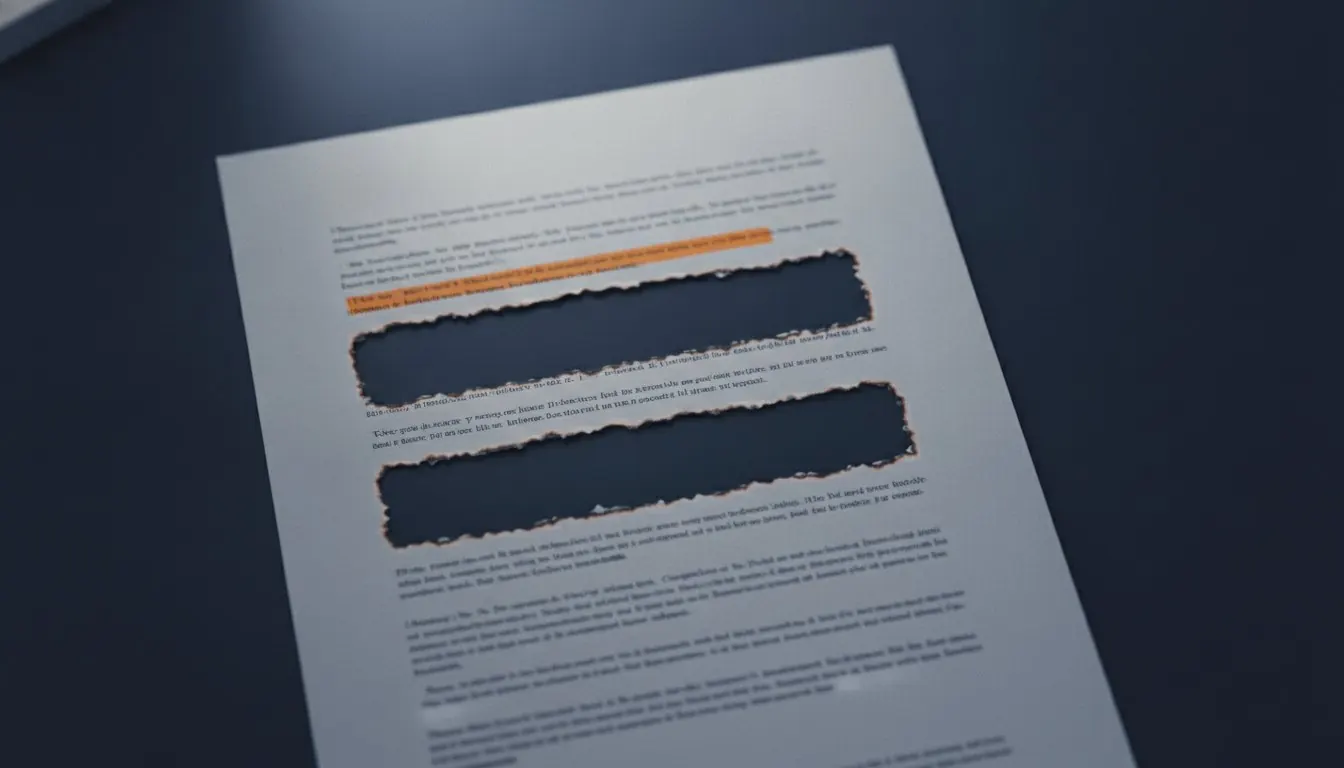
It locates the characters to be removed and deletes them from the content stream, then draws a black box over the area they occupied. The box is cosmetic - it shows a reader that something was removed. The removal is the deletion.
After a real redaction there is nothing underneath. Selection returns nothing, extraction returns nothing, and no recovery is possible because the data is not in the file.
Redacting properly
Five minutes, including the verification that most people skip.
- Find the exact wording
Redaction matches the text layer character for character. Open the document and search for the term to see how it actually appears.
- List every variant
'A. Student', 'Student, A', '[email protected]' and '1234567' are four different strings. Miss one and it stays in the file.
- Run the redaction
Each match is deleted and covered. The result panel reports how many occurrences were removed - check that number against what you expected.
- Verify on the result
Open it, search for the term, and try to select the black area. Search finds nothing and selection is empty: it worked.
- Check the metadata separately
Redaction acts on pages. The author field is not a page and is untouched by it.
Redaction and the things around it
Methods that look the same and are not
Only one of these removes anything.
| Method | Text removed? | Recoverable? |
|---|---|---|
| Real redaction | Yes, from the content stream | No |
| Black rectangle drawn over it | No | Yes - select underneath |
| White rectangle drawn over it | No | Yes - select underneath |
| Cropping the page | No | Yes - restore the page boundary |
| Highlighting in black | No | Yes, trivially |
| Printing and rescanning | Yes, effectively | No, but you lose the text layer entirely |
Why a scan cannot be redacted
A scanned page has no text layer. The name you want removed is part of an image, so there are no characters to delete. A tool that appears to redact a scan is drawing a box over pixels, and the pixels underneath are still in the image data.
The tool on this site refuses rather than producing a file that looks redacted and is not. For a scan, the correct approaches are to crop the region out entirely - which does remove the image data outside the new boundary only if the file is rewritten, so it should be verified - or, more reliably, to cover the information on the paper before scanning it.
The things redaction does not cover
Three, and all three have caught people.
- <strong>Metadata.</strong> The author, title and keywords fields are stored outside the pages and survive redaction intact. Check the document properties as a separate step.
- <strong>Annotations and comments.</strong> Some readers hide them by default. A comment containing a name is not page content and is not redacted.
- <strong>Form field values.</strong> A field holding a name is a separate object from the page. Flatten the document first so the values become page content, then redact.
Verification is not optional
The whole category of failure here is a document that looks redacted and is not. The only thing that distinguishes the two is a check that takes ten seconds.
Open the result. Search for the term. Try to select the black area. Extract the document's text and search that. If you are sending something that matters, do all four.
Before a redacted document leaves your hands
- Every variant of the term listed and removed
- The occurrence count matches what you expected
- Searching the result finds nothing
- Selecting the black area returns nothing
- Extracted text does not contain the term
- Document properties checked for names
- Annotations and comments checked
- Form fields flattened before redacting, if there were any
Questions and answers
Is drawing a black box over text ever enough?
No. The box is a drawing and the text is still underneath it. Select across the area, or extract the document's text, and it comes straight back. This is the single most consequential PDF mistake there is.
How do I check that a redaction worked?
Open the result, search for the term, and try to select the black area. If the search finds nothing and the selection is empty, the characters are gone. Extract the text as well if it matters.
Can I redact a scanned document?
No, because there is no text layer to remove characters from. Crop the region out, or better, cover the information on paper before scanning.
Does redaction remove my name from the file properties?
No. Metadata is stored separately from page content. Check the document properties as a distinct step, and consider a structural rewrite to clear them.