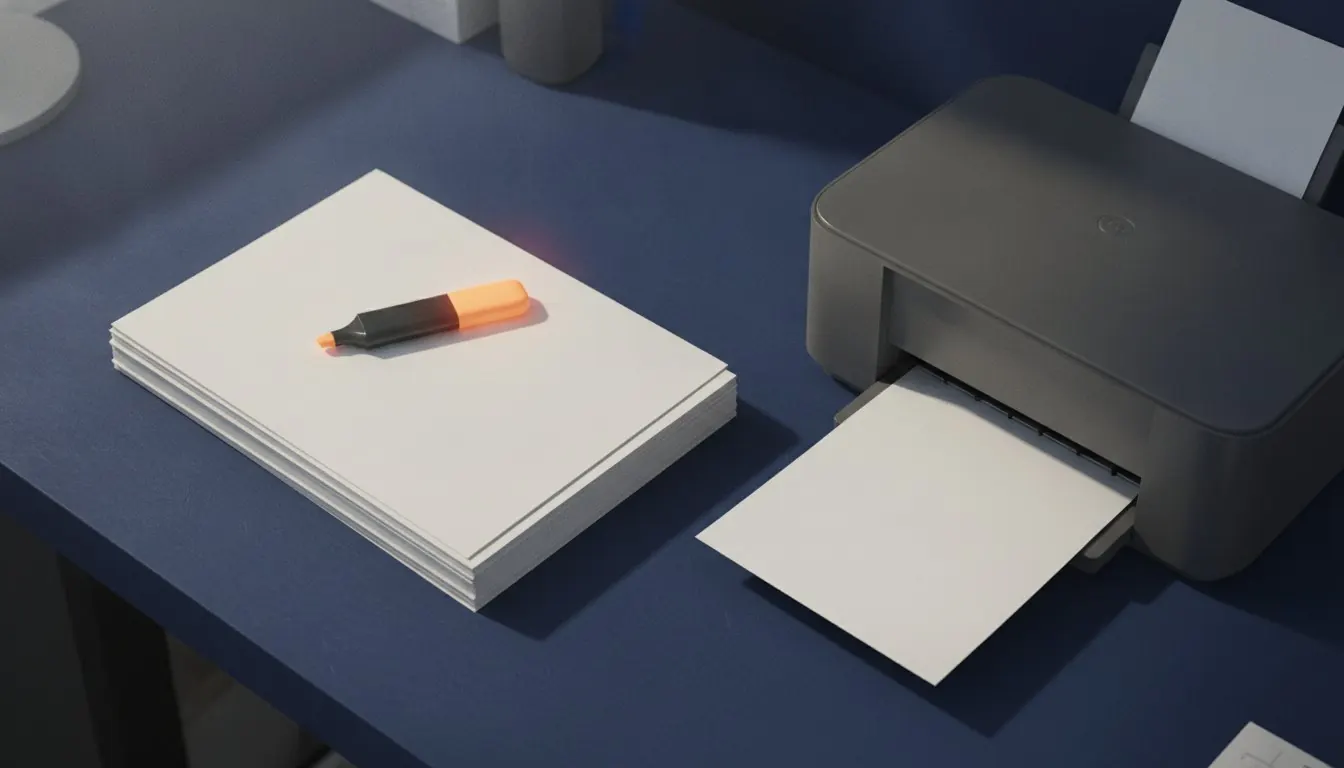
Printing seems like the part that cannot go wrong, and it is the part that quietly goes wrong most often. A past paper printed with the wrong scaling looks entirely normal until you measure something on a graph and get the wrong answer, then repeat that mistake for six weeks.
There are four settings that matter and about a dozen that do not. This is the four.
Key facts
- The setting that matters most
- Scale: 100 per cent, not 'fit to page'
- The second
- Paper size matched to the document, not scaled by the driver
- Duplex binding
- Long edge for portrait documents, short edge for landscape
- A4 vs US Letter
- A4 is narrower and taller; scaling between them is about 94 per cent
- Typical unprintable margin
- 3 to 5 mm on a consumer printer
- Cheapest large saving
- Two pages per sheet for reading copies, never for practice
Scaling: the one that ruins graph questions
Every print dialogue offers 'fit to page' or 'shrink oversized pages', and on most systems one of them is the default. What it does is scale the document so its content fits inside the printer's printable area, which is slightly smaller than the sheet.
For prose that is harmless. For anything measured it is not. A graph printed at 94 per cent has axes that are 94 per cent of the length they should be, and a question asking you to determine a gradient from the page now has a different answer. The same applies to scale drawings, geometry constructions and anything involving a ruler.
Set the scale to 100 per cent, then check
Print one page, measure a known dimension - an axis, the width of a printed table - and compare it to the same measurement on screen at 100 per cent zoom. Thirty seconds now, six weeks of wrong gradients avoided.
Paper size mismatches
A4 is 210 by 297 millimetres. US Letter is 216 by 279. Letter is six millimetres wider and eighteen shorter, which is enough that printing one on the other either scales the content or clips it.
When a document and the paper in the tray disagree, the driver silently does something about it, and what it does varies by printer. The reliable fix is to make them agree before printing: resize the document to the paper you actually have, with a small margin, and then print at 100 per cent.
The four settings that matter
Everything else in a print dialogue can usually be left alone.
| Setting | Set it to | Why |
|---|---|---|
| Scale | 100% / Actual size | Anything measured on the page stays measurable |
| Paper size | Match the document | Stops the driver scaling or clipping |
| Duplex | Long-edge binding, for portrait | Pages turn the right way in a stapled stack |
| Colour | Greyscale, unless colour carries meaning | Halves the cost of a revision folder |
Prepare a document before printing
Duplex, and which edge to bind
Long-edge binding flips the back of each sheet about its long side, which for a portrait document is what you want: the pages read like a book. Short-edge binding flips about the short side, producing a stack where every second page is upside down unless the document is landscape.
If your printer has no duplex unit, print the odd pages, put the stack back in, and print the even pages in reverse order. Which way up the stack goes back in is printer-specific and is worth establishing once, on two sheets, rather than discovering on forty.
Number the pages first
A duplex job that jams halfway through produces a stack that is out of order and a second stack that overlaps it. Without printed page numbers, reassembling that is genuinely difficult; with 'X of Y' numbering it is a minute's work.
Do it before printing anything merged, every time. It is the cheapest insurance on this site.
Printing for timed practice
If you are sitting a paper under timed conditions, print it the way the exam is presented: single-sided if the original is single-sided, at full size, in the right order, with the insert separate if there is one.
This sounds fussy and is not. Part of what timed practice rehearses is handling the physical object - finding the page with the data on it, working in the space provided, turning over at the right moment. A two-pages-per-sheet reading copy is excellent for reading and actively misleading for practice.
Reading copy or practice copy
Print differently depending on what the paper is for.
Reading copy
- Two pages per sheet, duplex, greyscale
- A quarter of the paper and a quarter of the cost
- Fine for mark schemes, examiner reports and notes
- Margins cropped first, so the text fills the smaller area
Practice copy
- One page per sheet, 100 per cent scale
- Matches the physical object you will be handed
- Answer space is the space you actually get
- Essential for anything with graphs or drawings
Before sending a long job to the printer
Two minutes, and it saves a ream.
- Print one page first and look at it
- Confirm the scale is 100 per cent and measure something
- Check the document's paper size matches the tray
- Add page numbers to anything merged
- Delete blank pages, which scanners generate in quantity
- Decide greyscale or colour deliberately rather than by default
- For duplex, establish which way the stack goes back in using two sheets
Guides in this topic
Every one written by a named author and checked against real documents.
Five ways to cut paper and ink use on a course print run
Five changes, in order of how much they save. The first two do most of the work and neither of them costs you anything you were using.
Getting a revision pack printed right first time
Merging, numbering, and deciding what gets printed at full size and what gets printed four to a sheet. Ten minutes of preparation and a ream you do not waste.
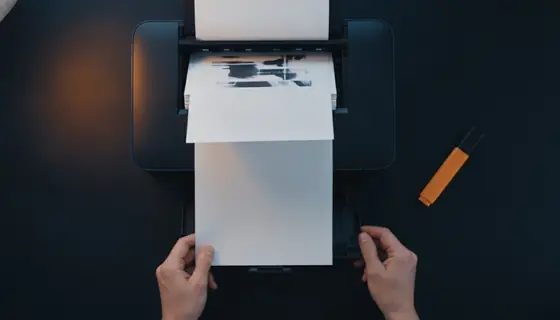
Printing double-sided
Long edge or short edge, and how the stack goes back in if your printer cannot do it itself. Both are worth establishing once on two sheets rather than on forty.
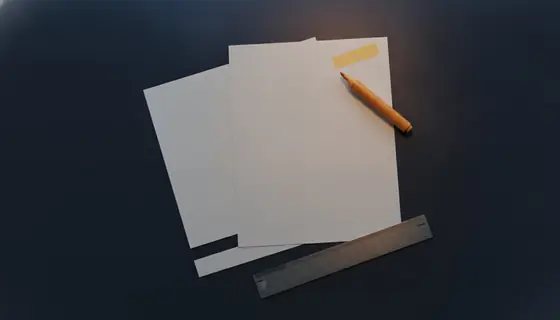
A4 versus US Letter
Six millimetres wider and eighteen shorter. It sounds trivial and it is the reason a merged revision pack prints with inconsistent margins and occasionally jams.
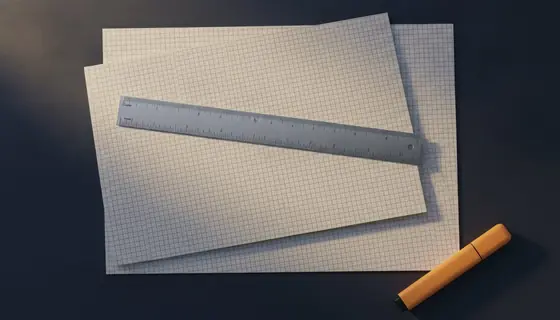
How fit-to-page scaling spoils graph questions
It shrinks the page by a few per cent, which changes every measured length on it. The printout looks completely normal and every gradient you read off it is wrong.
Questions and answers
Why does my printed graph give the wrong gradient?
Because the page was scaled. 'Fit to page' shrinks the content by a few per cent, which changes every measured length on it. Set the scale to 100 per cent and measure a known dimension on a test page before printing a set.
How do I print A4 on US Letter paper?
Resize the document to Letter with a 5 mm margin first, then print at 100 per cent. Letting the driver scale it works, but the amount of scaling varies between printers, which is exactly what you do not want on measured content.
What is the difference between long-edge and short-edge duplex?
Which edge the back of each sheet is flipped about. Long edge for portrait documents, short edge for landscape. Getting it wrong produces a stack where every second page is upside down.
Can I print a password-protected PDF?
If you have the password and the document permits printing, yes. If the permission flag forbids it, most readers will refuse. Removing the encryption from your own document with Unlock PDF also clears the flag.
How do I print a booklet?
Most print drivers offer a booklet or 2-up saddle-stitch mode that handles the page imposition. It is reliable for documents whose page count is a multiple of four, and it is worth testing on a short document before committing a long one to it.