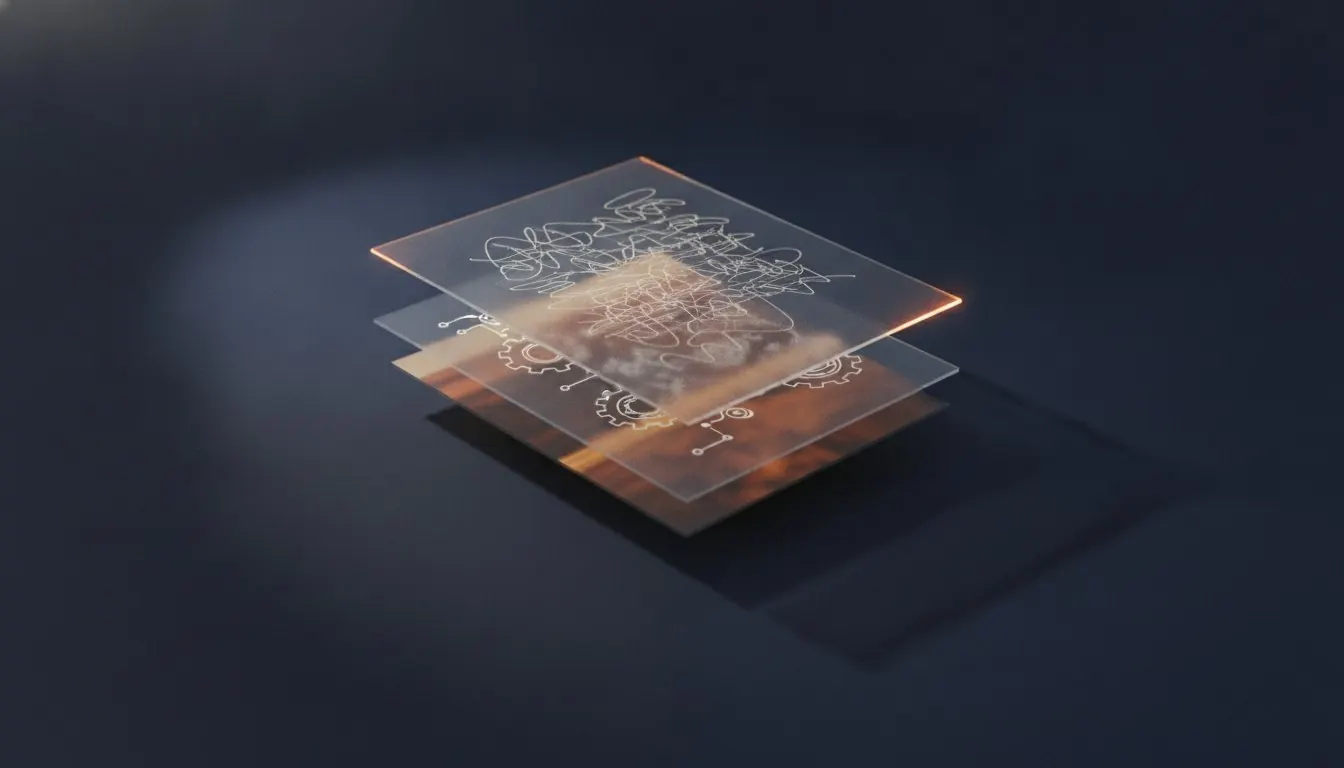
You do not need to know the PDF specification. You do need to know five things about what is inside the file, because between them they explain essentially every problem anyone has with one: why search fails, why text is blurry, why a file is 90 MB, why a redaction did not work, and why a document looks wrong on someone else's machine.
Everything below is the practical version. It is accurate, and it stops well short of the parts of the specification that only matter if you are writing a PDF library.
Key facts
- What a PDF is
- Drawing instructions for pages of a fixed size
- The text layer
- Characters with positions - present in generated PDFs, absent in scans
- Fonts
- Usually embedded; when they are not, the reader substitutes
- Graphics
- Either vector instructions or embedded raster images
- Metadata
- Stored separately from page content, and frequently forgotten
- Encryption
- AES-256 in modern files; permissions are a separate, weaker thing
One: a PDF describes pages, not documents
The file holds a list of pages. Each page has a size and a content stream - a sequence of instructions saying set this font, move to this coordinate, draw these characters, stroke this line, place this image in this rectangle.
There is no chapter, no paragraph and often no word. A reader reconstructs those when you select text, which is why selection sometimes behaves oddly and why a table copies as a run of loose text. The structure you see on the page is a visual arrangement, not something the file records as structure - unless the author explicitly tagged it, which most do not.
Two: the text layer is what everything depends on
If a PDF was generated by software - exported from Word, produced by a typesetting system, printed to PDF - it contains the actual characters. You can search them, copy them, extract them and delete them.
If it was produced by a scanner or a camera, it contains a photograph. The letters you can see are pixels, and the file contains no text whatsoever. Everything that fails on scanned documents fails for this one reason: search finds nothing, extraction returns nothing, redaction has nothing to remove.
This is the single most useful distinction on the site
Generated PDF: has text, everything works. Scanned PDF: no text, only optical character recognition would change that. You can tell them apart in two seconds by trying to select a word.
A document can be both
A scanned page that has been through optical character recognition carries the original image plus an invisible text layer positioned underneath it. That is why some scanned documents are searchable and others are not, and why search results in such a file sometimes highlight slightly the wrong place - the text layer is a machine's best guess at what the image says.
Three: fonts are usually, but not always, embedded
A properly made PDF carries the fonts it needs inside it. That is what makes the page identical everywhere, and it is a substantial part of why PDFs are larger than the text they contain.
When a font is not embedded, the reader substitutes the closest thing it has. Line lengths shift, spacing changes, and a document that was carefully laid out arrives looking subtly wrong - or, with symbol fonts, arrives as a page of boxes. If a document looks correct for you and wrong for a colleague, an unembedded font is the first thing to check.
Four: graphics are either instructions or pixels
A vector graphic is a set of drawing instructions - move here, curve to there, fill with this colour. It is tiny, scales to any size without degrading, and cannot be extracted as an image because there is no image to extract.
A raster image is a grid of pixels embedded in the file. It has a fixed resolution, it is usually most of the file's weight, and it is what compression actually acts on. This is why a text-and-diagram document barely compresses while a scanned one drops by eighty per cent: one has almost no pixels in it, and the other is nothing but.
Which kind of graphic am I looking at?
Zoom in hard. The answer is immediate.
| Behaviour when zoomed | Type | Consequence |
|---|---|---|
| Edges stay perfectly sharp at any zoom | Vector | Cannot be extracted as an image; render the page instead |
| Edges become blocky or soft | Raster | Can be extracted at original resolution |
| Whole page becomes soft together | Scanned page | The entire page is one raster image |
Five: metadata sits outside the page
Title, author, subject, keywords, creation date and producing software are stored in the file's information dictionary, not on any page. Nothing you do to page content touches them.
That is why redacting a name from every page can still leave the same name in the author field, and why a document's properties often reveal which software and which machine produced it. If a file is going anywhere sensitive, look at its properties as well as its pages.
Tools that act on each layer
Encryption, and what it is not
Modern PDF encryption is AES-256, and it is real cryptography: without the password the contents cannot be read, by any tool, with any amount of effort available to a normal adversary.
Permission flags are a completely different mechanism that people routinely confuse with it. They are settings inside an otherwise readable file saying that printing or copying should not be allowed. A reader honours them by convention. Anything that chooses not to, ignores them entirely. Encryption protects; permissions request.
Five questions that identify any PDF
Thirty seconds, and they tell you what is possible with the file.
- Can I select a word? - determines whether search, extraction and redaction will work
- Does zooming keep the diagrams sharp? - vector, or raster
- What does the file size suggest? - large means images; small means text
- Does it ask for a password? - encrypted, and nothing proceeds without it
- What is in the document properties? - metadata travels with the file
Guides in this topic
Every one written by a named author and checked against real documents.
PDF metadata explained
Title, author, the software that made it, and sometimes the path it was saved from. None of it is on any page, and nothing you do to the pages touches it.
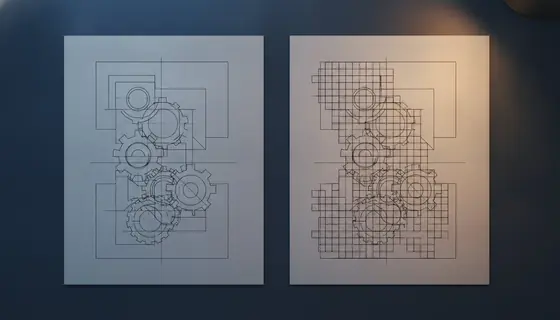
Vector or raster: how diagrams are stored in a PDF
One is a set of instructions and the other is a grid of pixels. Which one a diagram is determines whether you can extract it, how big the file is, and what compression will do.
Missing fonts: why a PDF changes on another machine
A PDF is supposed to look identical everywhere. When it does not, the cause is almost always a font that was never put inside the file.
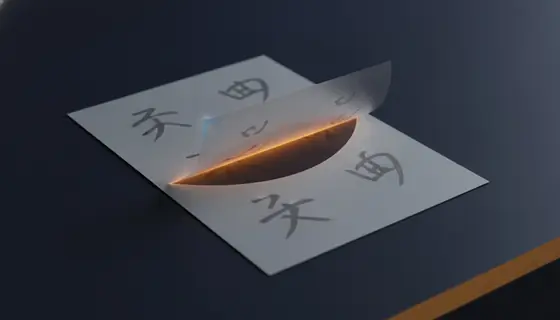
Understanding the text layer in a PDF
The single most useful distinction in the whole format. Either the file contains characters or it contains a photograph of characters, and everything follows from which.
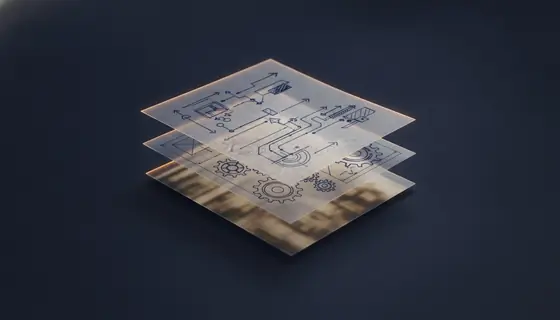
Pages, objects and an index: the anatomy of a PDF
Not a document. A list of pages, each holding drawing instructions, plus an index saying where everything lives. Five minutes here explains a year of PDF problems.
Questions and answers
Why is my PDF so large?
Almost always embedded images. A scanned page can be several megabytes on its own. Text and vector content is remarkably compact, which is why a hundred-page text document is often smaller than a three-page scan.
Why does a PDF look different on another computer?
The usual cause is a font that was not embedded, so the other machine substitutes something else and the layout shifts. Everything else about the page is fixed by the file.
What is PDF/A and do I need it?
PDF/A is a restricted subset for long-term archiving: fonts must be embedded, encryption is forbidden, and nothing may depend on external resources. Institutions sometimes require it for thesis submission. For ordinary study material it is unnecessary.
Can a PDF contain a virus?
A PDF can carry JavaScript and embedded files, and both have been used as attack vectors. Modern readers sandbox aggressively and the risk is low from documents you obtained from a source you trust. It is not zero, which is a reason to get papers from the exam board rather than a file-sharing site.
Why does my redaction leave the text recoverable?
Because a black rectangle drawn in an editor is a drawing on top of text that is still there. Real redaction deletes the characters from the content stream. The difference has ended careers, and it is worth checking every single time.