What this covers
- Vector is instructions; raster is pixels
- Only raster images can be extracted - vector has nothing to extract
- Compression acts on raster and does nothing to vector
- A scanned page is one enormous raster image
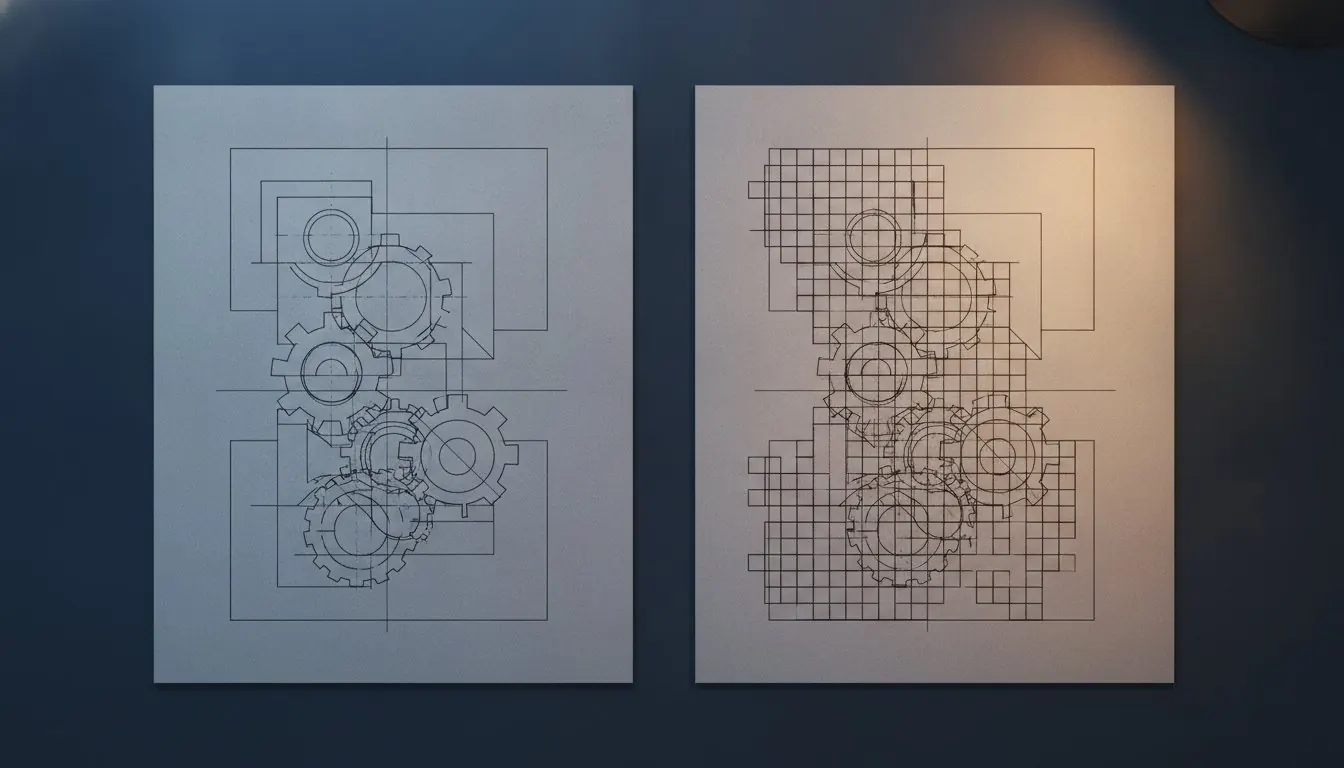
Two completely different things get drawn on a PDF page, and they behave in opposite ways. Knowing which you are looking at answers three separate questions: can I pull this diagram out, why is this file so large, and will compression help.
Vector: a set of instructions
A vector graphic is part of the content stream. Move to this point, curve to that one, stroke with a line of this width, fill this region with this colour.
Because it is instructions, it is redrawn at whatever resolution is needed. Zoom to 1,600 per cent and the lines stay perfectly crisp, because they are being recalculated rather than enlarged. It is also extraordinarily compact - a complex graph might be two kilobytes.
Raster: a grid of pixels
A raster image is a separate object embedded in the file: a fixed grid of colour values, with its own compression. It is placed into a rectangle on the page and scaled to fit.
It has a fixed resolution, so enlarging it past that point shows the pixels. And it is usually most of a document's weight - a single photograph can outweigh a hundred pages of text.
The two, side by side
Opposite properties, for the same job.
| Property | Vector | Raster |
|---|---|---|
| What it is | Drawing instructions | A grid of pixels |
| Zoomed in | Stays perfectly sharp | Goes soft, then blocky |
| Typical size | A few KB | 100 KB to several MB |
| Can be extracted as an image | No - there is no image object | Yes, at original resolution |
| Affected by compression | Barely | Almost entirely |
| Typically used for | Graphs, line diagrams, typeset text | Photographs, scans, screenshots |
The test takes one second
Zoom to 800 per cent and look at an edge. Sharp means vector. Blocky means raster. If the whole page goes soft together, the whole page is one raster image, which means it is a scan.
Why extraction sometimes returns nothing
Extract Images pulls raster objects out of a file. On a document whose diagrams are vector, there are no such objects, and it correctly returns nothing rather than inventing something.
This surprises people, because the diagram is obviously there on the page. It is there as instructions. To get a picture of it, render the page - PDF to PNG draws exactly what you see, at whatever resolution you choose, and for a vector diagram you can choose a very high one because there is no original resolution to exceed.
Getting a diagram out
Which to choose when rendering
PNG for vector content rendered to an image: graphs, axes, line diagrams. JPEG compression puts visible haloes around every sharp edge, and a graph is nothing but sharp edges.
JPG for photographic content, where its compression is efficient and its artefacts are invisible against continuous tone. Using PNG on a photograph produces an enormous file and gains nothing a reader can see.
Why compression results vary so much
Compress PDF recompresses raster images and rebuilds the file structure. On a scanned document - which is entirely raster - it commonly saves seventy per cent or more. On a typeset document of text and vector diagrams there is almost nothing to act on, and a five per cent saving is a good result.
That is the honest explanation for a disappointing compression, and it is why any service promising a large reduction on a text document is either rasterising the text, which makes it blurry and unsearchable, or measuring something other than what it claims.
Rules of thumb
- Text in a generated PDF
- Vector - it is drawn from font outlines
- A graph from a plotting tool
- Usually vector
- A figure pasted from a screenshot
- Raster
- A photograph
- Raster
- A whole scanned page
- One raster image
- A diagram that stays sharp at 800%
- Vector, certainly
Deciding what to do with a figure
- Zoom to 800 per cent to establish which kind it is
- Raster: extract it, and you get the original resolution
- Vector: render the page to PNG at a high resolution
- Choose PNG for line work, JPG for photographs
- Expect compression to do nothing on a vector-heavy document
Questions and answers
Why did Extract Images return nothing?
Because the graphics on that page are vector - drawing instructions rather than stored pictures. There is no image object to extract. Render the page with PDF to PNG instead.
Is text vector or raster?
In a generated PDF, text is drawn from font outlines, which makes it vector in behaviour: sharp at any zoom, tiny in the file. In a scan, the text is part of a raster image.
Why is one extracted image a different shape from what I saw?
Because the page may display a cropped or masked portion of a larger stored image. You get the original, which is usually the better outcome.
Can I convert a raster diagram to vector?
Tracing software exists and produces an approximation. For a graph you need to read values from, redrawing it from the underlying data is more reliable than tracing a picture of it.