What this covers
- Pages, content streams and an index - that is the whole shape of it
- No paragraphs exist in the file; readers infer them
- The index is what breaks when a download is interrupted
- Embedded fonts are most of the reason a PDF is larger than its text
You can use the Portable Document Format for years without knowing what is in one, and most people do. But five minutes of structure explains almost every problem anyone has with the format, which makes it an unusually high-return five minutes.
This is the practical version. It follows the model in Adobe's introduction to PDF and the current ISO PDF 2.0 specification, but stops well short of the parts that only matter if you are writing a PDF library.
The shape of the file
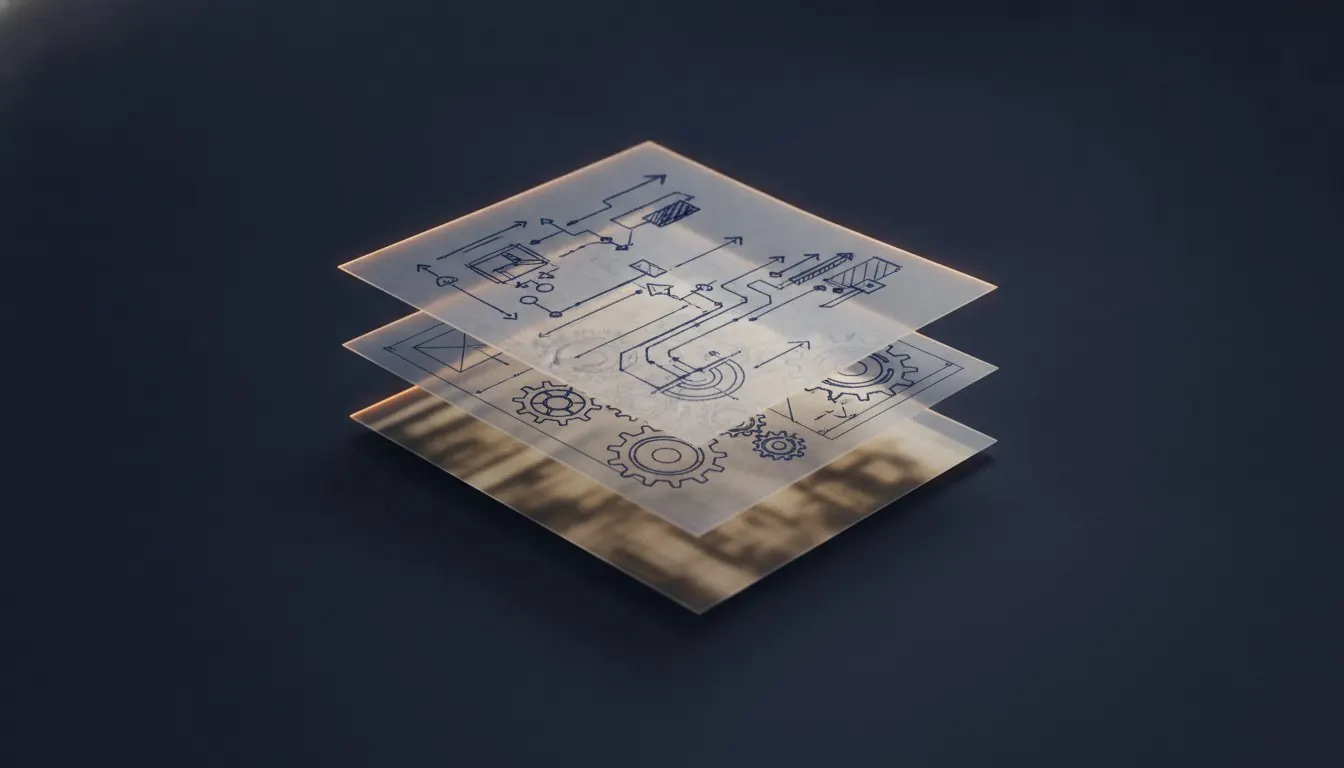
A PDF is a collection of numbered objects, an index saying where each one is, and a root that points at the list of pages.
Each page object says how big the page is and points at a content stream. The content stream is the drawing: set this font at this size, move to these coordinates, show these characters, stroke a line from here to there, place image number seven into this rectangle. That is what a page is.
The parts, and what each one explains
Five components account for almost every symptom.
| Part | What it holds | What it explains |
|---|---|---|
| Page objects | Size, rotation, boxes, a pointer to content | Why cropping does not delete anything |
| Content streams | The drawing instructions | Why text extraction returns loose characters |
| Font objects | Embedded typeface data | Why a PDF is larger than its text, and why fonts go wrong |
| Image objects | Embedded raster data | Why a scanned document is enormous |
| Cross-reference table | Where every object lives | Why an interrupted download will not open at all |
Why there are no paragraphs
This is the single most consequential fact about the format. The content stream says to draw certain characters at certain coordinates. It does not say that those characters form a word, that those words form a sentence, or that this block of text continues into the one below it.
Everything you experience as structure is reconstructed by the reader from positions. That reconstruction is good enough that you never notice on a simple page and visibly imperfect the moment a page has two columns, because the reader has to guess whether the text continues to the right or below, and sometimes guesses wrong.
Unless the author tagged it
The specification does allow a structure tree: this is a heading, this is a table, the columns run in this order, this image means that. A document carrying one is a tagged PDF, and it is what makes a PDF genuinely accessible. Most documents are not tagged - it has to be done deliberately, and exam material almost never is.
The index, and why files break
At the end of a PDF sits a cross-reference table: a list of every object number and the byte offset at which it begins. A reader uses it to find the page list without scanning the whole file.
Because it is at the end, a download that stops part-way produces a file with most of its content and no index. Readers refuse it entirely, which looks like total loss and usually is not - a repair rebuilds the index by scanning for the objects that are actually there.
Tools that act on each part
Fonts, and why they are embedded
A PDF that promised identical appearance everywhere while relying on the recipient having the right typeface installed would not be promising much. So a well-made PDF carries the fonts inside it, usually subsetted to only the characters actually used.
This is a substantial part of a PDF's size, and it is why a one-page document is rarely under about 20 kilobytes. It is also the cause of the most common cross-machine problem: when a font is not embedded, the reader substitutes the nearest thing it has, spacing changes, and the layout shifts.
Incremental saving
A PDF can be updated by appending changes to the end rather than rewriting the file, with a new index that points at the new versions of changed objects. It is efficient and it has a consequence worth knowing about.
The old objects are still in the file. A document edited this way can contain earlier versions of its own content, recoverable by anyone who looks past the current index. Most tools that process a PDF, including the ones here, rewrite it completely, which discards that history - a useful property, and a reason to run a final pass over anything sensitive before sending it.
Rough sizes, and what they tell you
- A page of text, generated
- 30 to 150 KB
- Embedded font subset
- 10 to 60 KB per typeface
- A scanned page, colour, 300 DPI
- 1 to 5 MB
- A scanned page, greyscale, 200 DPI
- 100 to 300 KB
- A vector diagram
- Typically a few KB
- A 100-page text document
- Often under 2 MB
What this buys you
A model that predicts behaviour. Why compression does almost nothing to a text document: there are no images to recompress. Why cropping does not shrink a file: the content is still there, only the page boundary moved. Why redaction has to delete characters rather than draw a rectangle: a rectangle is another drawing instruction, and the characters are still underneath it.
None of that has to be memorised as a list of facts once the structure is clear.
Five questions that identify any PDF
- Can I select a word? - is there a text layer
- Do diagrams stay sharp when zoomed? - vector or raster
- What is the size per page? - text, or images
- Does it ask for a password? - encrypted
- What is in the document properties? - metadata travels with the file
Questions and answers
Is a PDF a compressed format?
Partly. Content streams are usually compressed, and embedded images carry their own compression. But a PDF is a container, and how large one is depends almost entirely on what was put in it.
Can I edit a PDF like a Word document?
Not really, and the reason is structural. There are no paragraphs to edit - changing a word means redrawing the characters after it, and any editor that appears to do this is reconstructing a paragraph that was never stored.
What is PDF/A?
A restricted subset for archiving: fonts must be embedded, encryption is forbidden, and nothing may depend on external resources. Institutions sometimes require it for thesis submission.
Why do PDFs from different programs behave differently?
Because the specification allows a great deal of latitude. Two generators can produce visually identical pages with completely different internal structure, which is why text extraction works beautifully on one and poorly on another.
Sources
- ISO 32000-2 - PDF 2.0The current specification
- PDF Association - PDF/UA in a nutshellStructure trees and tagged PDF