What this covers
- Long edge for portrait, short edge for landscape
- Number the pages before printing anything merged
- Calibrate manual duplex on two sheets, once per printer
- Delete blank pages first - scans generate them in quantity
Double-sided printing halves the paper, halves the weight of a revision folder, and produces a stack that behaves like a book. It also has two settings that sound interchangeable and are not, and a manual procedure that is printer-specific and rarely documented.
Long edge or short edge
Duplex binding describes which edge the back of each sheet is flipped about before it is printed.
Long-edge binding flips about the long side. For a portrait document, that is what you want: the reverse of each sheet is the right way up when you turn the page like a book. Short-edge binding flips about the short side, which is correct for landscape documents and produces a stack where every second page is upside down if you use it on a portrait one.
Which to choose
It follows from the orientation of the document, not from preference.
| Document | Binding | Result |
|---|---|---|
| Portrait, bound on the left | Long edge | Turns like a book |
| Landscape, bound at the top | Short edge | Flips like a notepad |
| Portrait, using short edge by mistake | - | Every second page upside down |
| Mixed orientation | Long edge | Landscape pages will be sideways; rotate them first |
Number the pages first
A duplex job that jams halfway produces a printed stack and an unprinted remainder that overlap confusingly. Without printed page numbers, reassembling that is genuinely difficult. With 'X of Y' numbering it is a minute. Do this before printing anything merged, every time.
Manual duplex
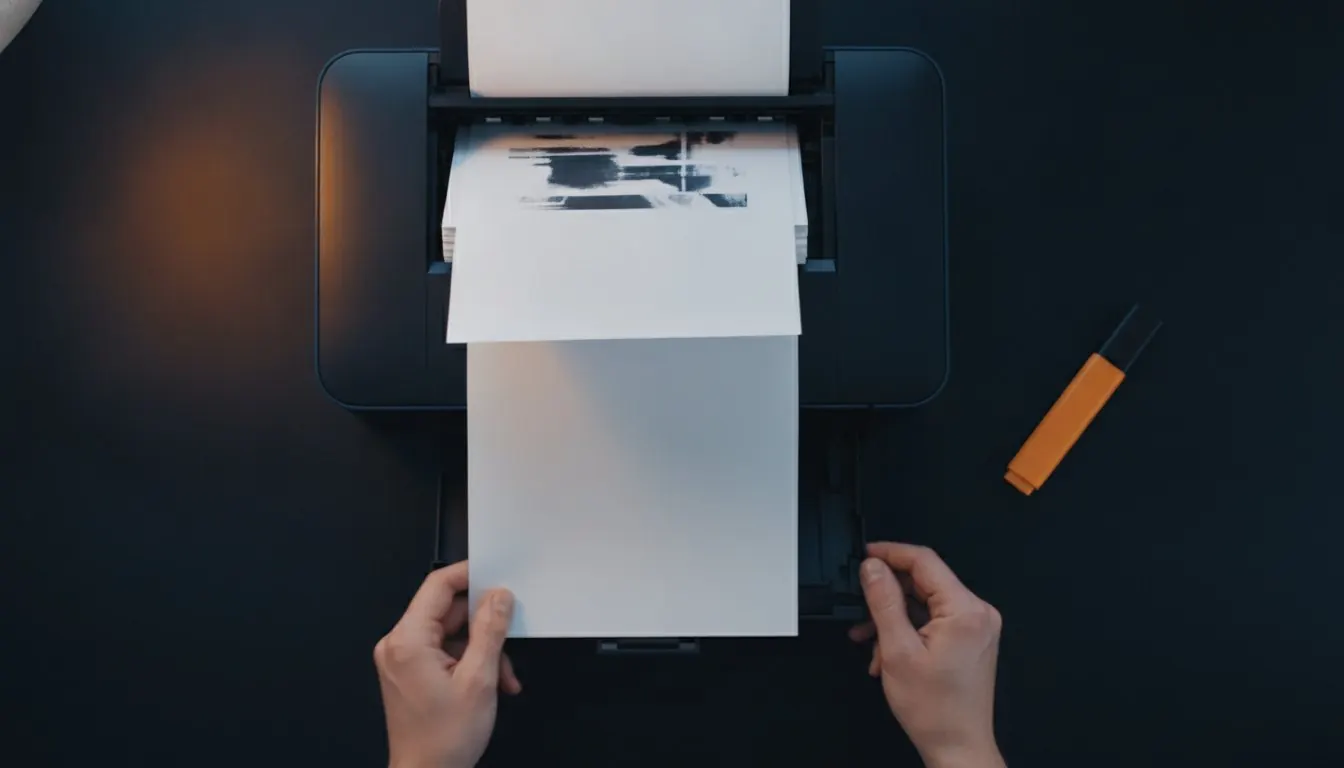
If the printer has no duplex unit, you print the odd pages, put the stack back in, and print the even pages. The difficulty is entirely in which way round the stack goes back, which depends on whether the printer feeds face up or face down and whether it outputs in order or reversed.
There are four combinations and no reliable way to know yours from the documentation. Establishing it takes two sheets and about ninety seconds, and once you know it you know it for that printer forever.
Calibrating manual duplex, once
Two sheets, ninety seconds.
- Make a four-page test
Any four-page PDF. If the pages are not obviously distinguishable, add page numbers first.
- Print pages 1 and 3
Odd pages only. Two sheets come out.
- Note which way up they are
Before you touch them. Is page 1 face up or face down? Is it on top of the stack or underneath?
- Put the stack back and print 2 and 4
Reversed order if your print dialogue offers it. Make one guess about orientation and write down what you did.
- Look at the result and correct
If page 2 is on the back of page 3, the stack went in the wrong way round. If page 2 is upside down, flip the stack the other way. Write down the combination that worked.
Preparing a document for duplex
Delete blank pages first
Scanned documents contain a blank page for every unprinted reverse side, and a duplex job will faithfully print all of them - producing a stack with the right number of sheets and the content in the wrong places.
The thumbnail strip in a reader makes blanks obvious at a glance. Deleting them before printing is thirty seconds and prevents a confusing half-hour.
Odd page counts
A document with an odd number of pages ends on a sheet printed on one side only. That is fine on its own and a problem when you print several documents in one job, because the next document starts on the back of the last sheet of the previous one.
If you are printing a set of papers as one job, either print them as separate jobs, or pad each to an even page count. Most people discover this after stapling.
When duplex is right and when it is not
Not everything should be double-sided.
Print double-sided
- Mark schemes and examiner reports
- Reading copies of anything
- Notes and condensed material
- Long reference documents
Print single-sided
- Any paper you will sit under timed conditions, if the original is single-sided
- Anything where you need space to work beside the question
- Pages you intend to lay out side by side
- Anything going through a document feeder later
Before a long duplex job
- Blank pages deleted
- Page numbers added, in 'X of Y' form
- Landscape pages rotated if the document is mixed
- Binding edge set to long for portrait
- Manual duplex orientation calibrated on two sheets
- One test sheet printed and checked before the rest
Questions and answers
What is the difference between long-edge and short-edge binding?
Which edge the reverse of each sheet is flipped about. Long edge for portrait documents, short edge for landscape. Using the wrong one makes every second page upside down.
How do I print double-sided without a duplex printer?
Print the odd pages, put the stack back in, print the even pages in reverse order. Which way round the stack goes back is printer-specific - calibrate it once on two sheets.
Why did my manual duplex come out with pages on the wrong sides?
The stack went back in the wrong way round, or the even pages were printed in the wrong order. There are four combinations; find yours on a four-page test.
Should I print past papers double-sided?
Reading copies, yes. Papers you will sit under timed conditions, no - print them the way the original is presented, because handling the physical object is part of what you are practising.