What this covers
- Light from the side, never from directly overhead
- Camera parallel to the page, centred on it
- Check the photograph, not the page, before moving on
- Consistency between pages matters more than perfection on one
Every scanning app and every clean-up tool operates on what the camera captured. If the capture has a shadow across the middle of the page, the shadow is in the data, and no amount of contrast correction removes it without also removing the writing underneath.
There are exactly two things that go wrong, both happen before you press the shutter, and both take seconds to avoid.
Problem one: your own shadow
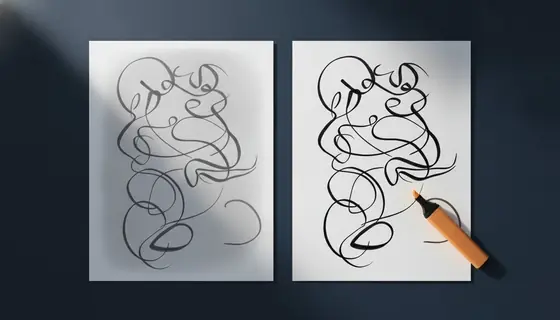
The instinct is to stand over the page with the light behind you. That puts your head and your arm between the light and the paper, and the result is a gradient across the page - bright at one edge, dim in the middle, sometimes with a hard shadow line.
Contrast correction then has an impossible job. Stretched enough to make the dim region readable, the bright region blows out; balanced for the bright region, the dim one stays grey. Every automatic clean-up makes a compromise and every compromise looks worse than a page photographed properly.
Problem two: leaning over
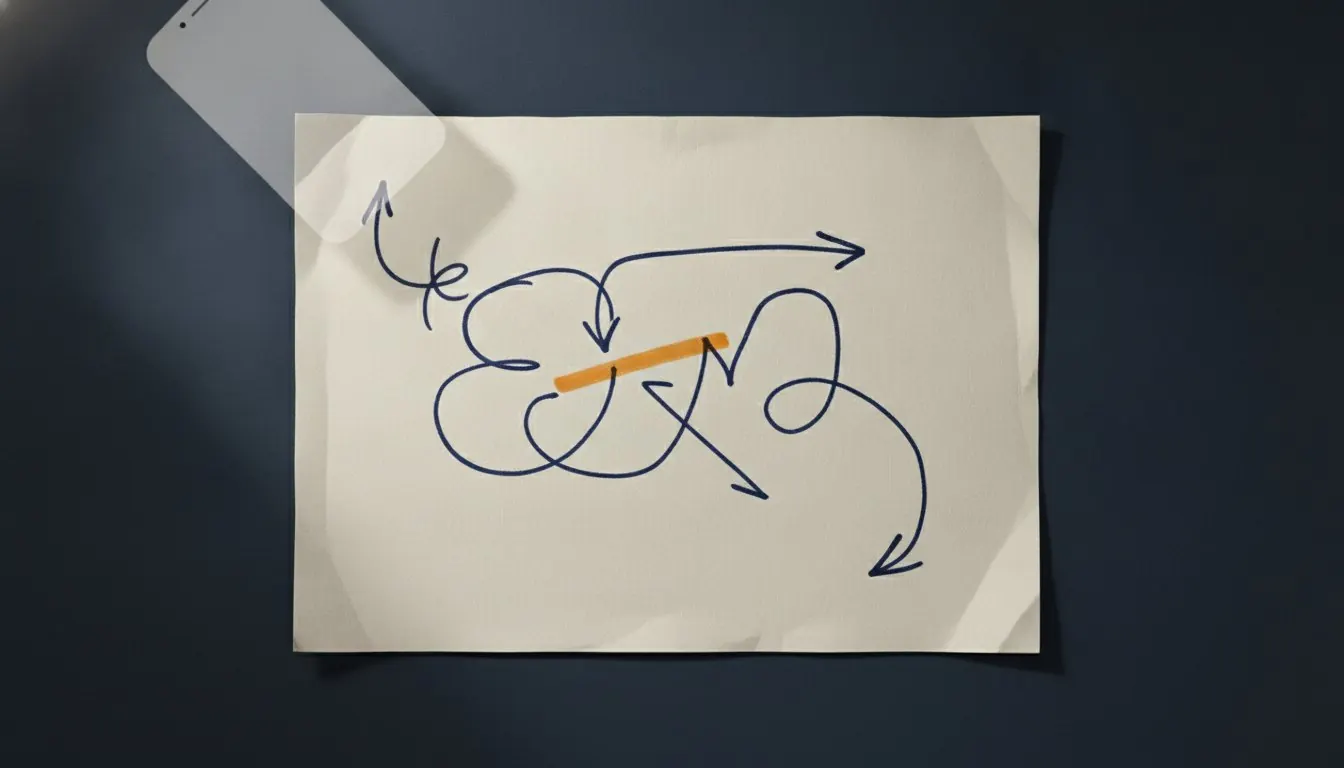
Holding the camera at an angle makes the page a trapezoid. The top is narrower than the bottom, the lines converge, and one side of the page is out of focus because it is further from the lens.
Some apps attempt perspective correction. On a full page with clear corners against a contrasting surface it works. On a partly filled page, a page with a white border on a white desk, or a page with a diagram running to the edge, it frequently finds the wrong corners and produces a page that is confidently, subtly wrong - which is worse than doing nothing.
The sign that you are leaning
Look at the page in the viewfinder. If the top edge is shorter than the bottom edge, you are not above the centre. Move until they are the same length.
The thirty-second method
Repeatable, and it beats any app used carelessly.
- Find side light
Daylight from a window, with the page beside the window rather than under it. Failing that, a lamp placed to one side and well back. What you are avoiding is light coming from where you are standing.
- Lay the page flat
One sheet, nothing underneath, on a surface darker than the paper. A dark surface makes the page edge unambiguous, which helps every subsequent step.
- Get directly above the centre
Not above the top edge leaning down. Directly above the middle of the page, camera parallel to it.
- Fill the frame, with a small border
The page plus a centimetre of surface around it. Too tight risks clipping a line; too loose wastes resolution on the desk.
- Check the photograph, not the page
Open the shot and read the faintest line on it at normal zoom. If you cannot, neither can a marker, and reshooting now costs ten seconds.
- Keep everything the same for the next page
Same distance, same light, same position. Consistency is what makes a set of pages look like a document rather than a collection of snapshots.
Turning the photographs into a document
What can and cannot be fixed afterwards
Decided entirely at capture.
| Problem | Recoverable? | Why |
|---|---|---|
| Yellow cast from indoor light | Yes, completely | It is a uniform colour shift |
| Slightly dim but even | Yes | Contrast correction handles it well |
| Uneven brightness across the page | Partly, and badly | Any correction that fixes one region breaks the other |
| Hard shadow across the writing | No | The data under the shadow is gone |
| Perspective from leaning | Sometimes, unreliably | Corner detection fails on real pages |
| Out of focus | No | There is nothing to sharpen |
| A line clipped at the edge | No | It was never captured |
Lined paper and squared paper help
If you are choosing what to write on, lined or squared paper gives both you and any perspective correction a strong reference. A skew that is invisible on plain paper is obvious when the ruled lines are not parallel to the frame.
It also gives the person marking it a straight baseline to read along, which matters more than it sounds on a screen.
Phone or flatbed scanner
A flatbed scanner produces a better capture with no technique required: even light, no perspective, no focus problem. If you have access to one, use it, and set it to greyscale at 200 to 300 DPI.
A phone photographed well is close enough that the difference rarely matters for a handwritten submission. A phone photographed badly is much worse than either. The technique dominates the hardware, which is the whole reason this page exists.
Getting it right
- Light
- From the side, diffuse, never from behind you
- Camera position
- Directly above the page centre, parallel
- Framing
- Page plus about a centimetre of border
- Surface
- Flat, and darker than the paper
- Check
- Read the faintest line on the photograph
- Between pages
- Change nothing
Before you photograph a set of pages
- Page flat, nothing under it
- Light from the side, your body not between light and page
- Surface darker than the paper
- Camera directly above the centre, edges equal length in frame
- Whole page in frame with a small border
- First photograph checked at full zoom before continuing
- Same setup for every subsequent page
Questions and answers
Why does my scan look yellow?
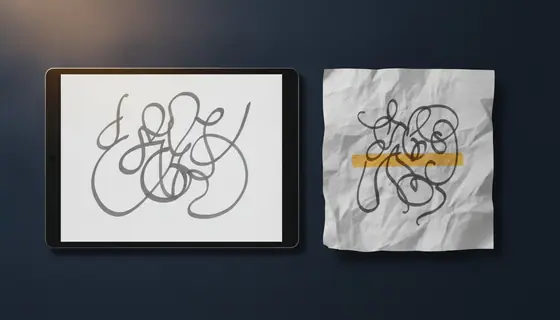
Indoor lighting is much warmer than daylight, and phone cameras compensate imperfectly. Greyscale clean-up removes the cast completely, which is one reason it is the sensible default for handwriting.
Can software straighten a photo taken at an angle?
Sometimes. Perspective correction has to find the page corners, and on a partly filled sheet or a page on a light surface it frequently finds the wrong ones. Photographing flat is faster than checking a correction.
Is a scanner app better than the camera app?
A scanner app adds automatic edge detection and clean-up, which is sometimes excellent and sometimes crops off a line of your answer. Either way, check every page of the result.
How many megapixels do I need?
Far fewer than any current phone has. A page at about 200 DPI is roughly 4 megapixels, and every phone exceeds that comfortably. Resolution has not been the limiting factor for a decade; lighting and angle are.